Hey everyone, your friendly neighborhood IT security guru here! We spend so much time worrying about firewalls and passwords, but what about those trusty gadgets we plug into our computers every day? Yep, I’m talking about peripherals! Keyboards, mice, webcams – they might seem harmless, but they can be sneaky security risks.
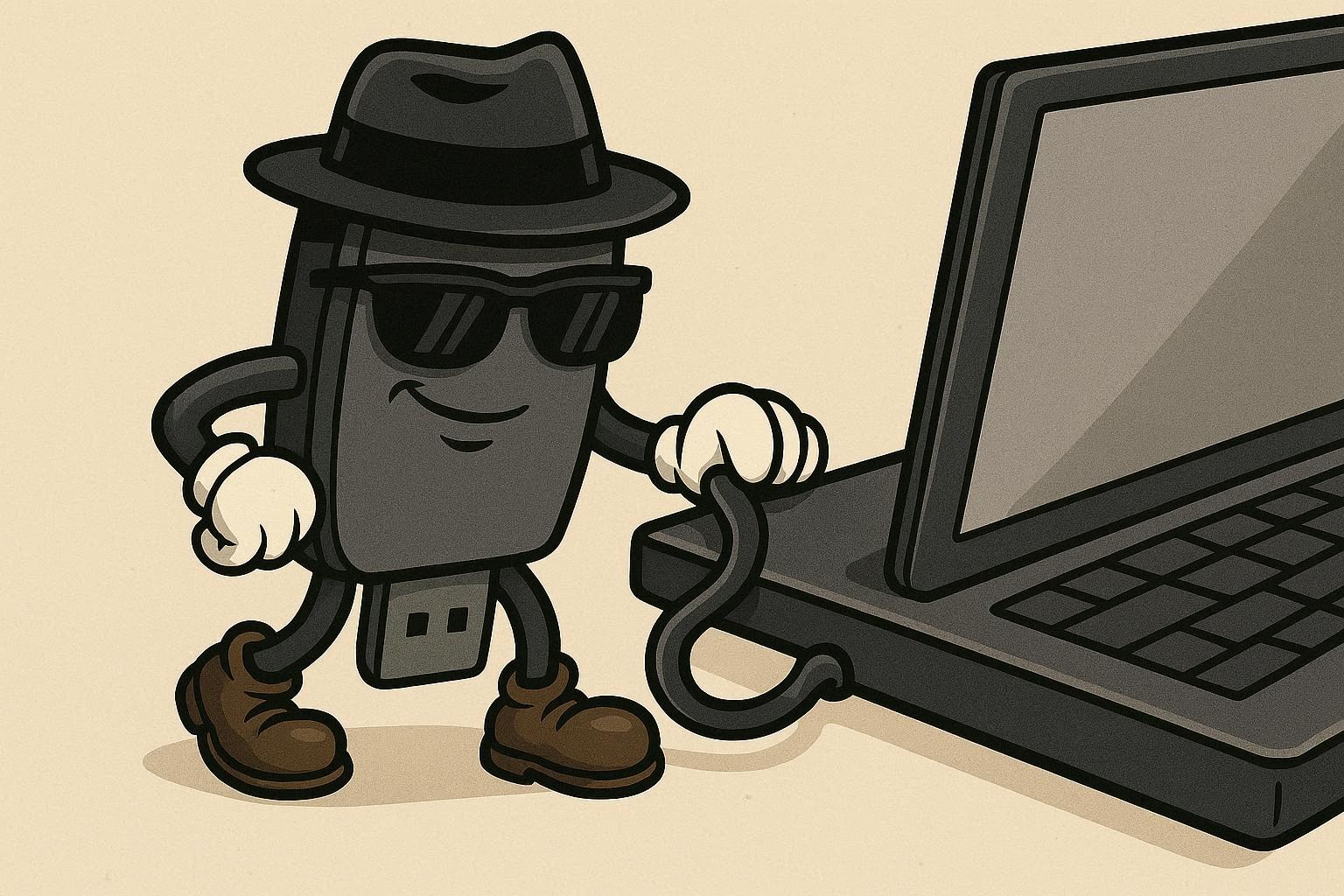
Think of your computer as a fortress. You’ve got the main gate (your firewall), but peripherals are like little side doors and windows. If you don’t lock them down, someone could sneak in! So, let’s go through some common peripherals and how to keep them safe:
Keyboards & Mice: Not Just for Typing!
The Risk:
Keyloggers! These nasty bits of software record everything you type, including passwords and credit card numbers. While a lot of keyloggers are software, some can be installed via malicious keyboards.
The Fix:
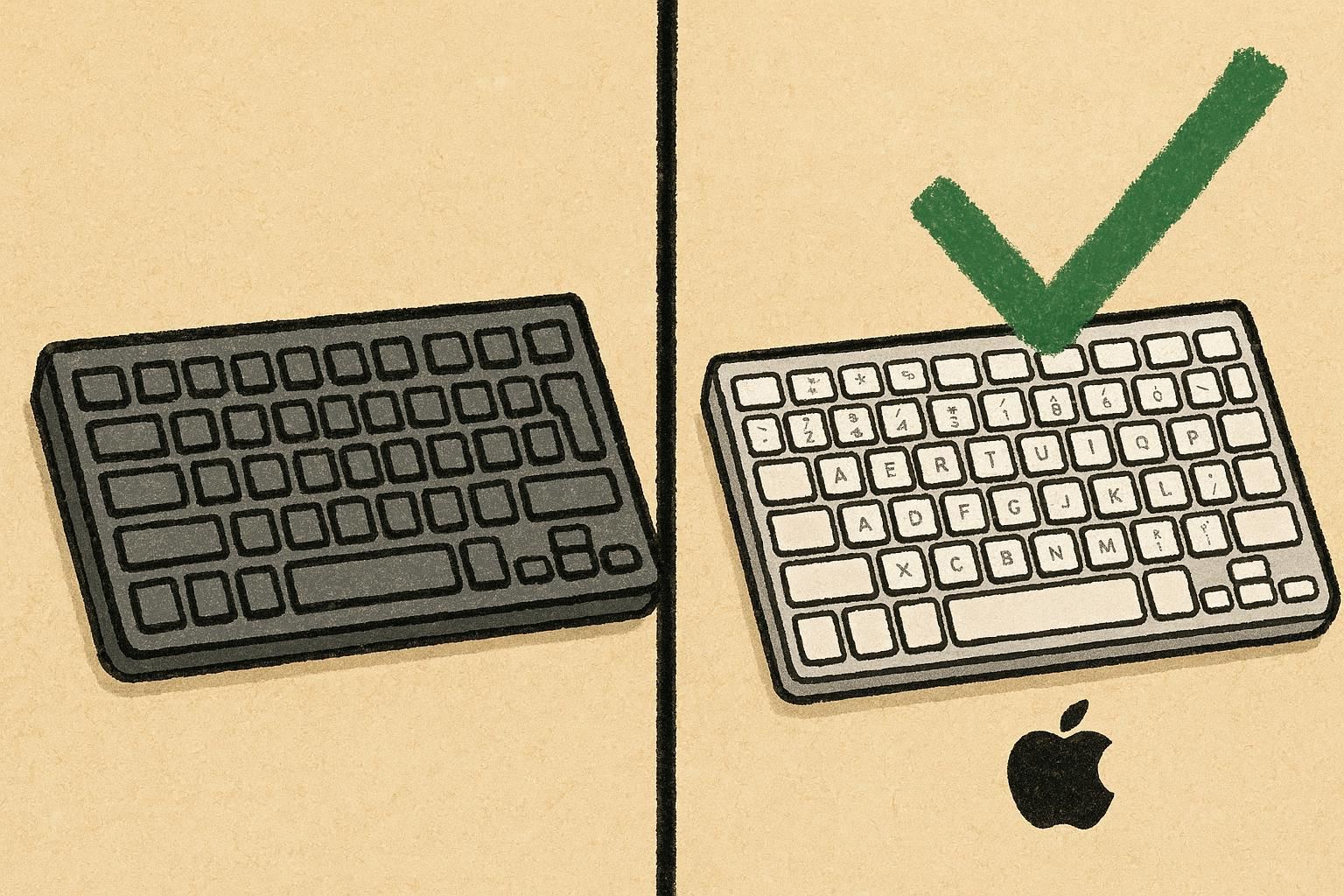
- Buy from Reputable Brands: Stick with well-known brands for your keyboards and mice. Avoid suspiciously cheap, unbranded devices, especially from unknown online sources.
- Wired is Often Safer: Wireless keyboards and mice can be intercepted, though it’s rare. Wired connections offer a bit more security.
- Regularly Scan for Malware: Keep your antivirus software up-to-date and run regular scans to catch any keyloggers that might have made their way onto your system.
Webcams: Eyes on You!
The Risk:
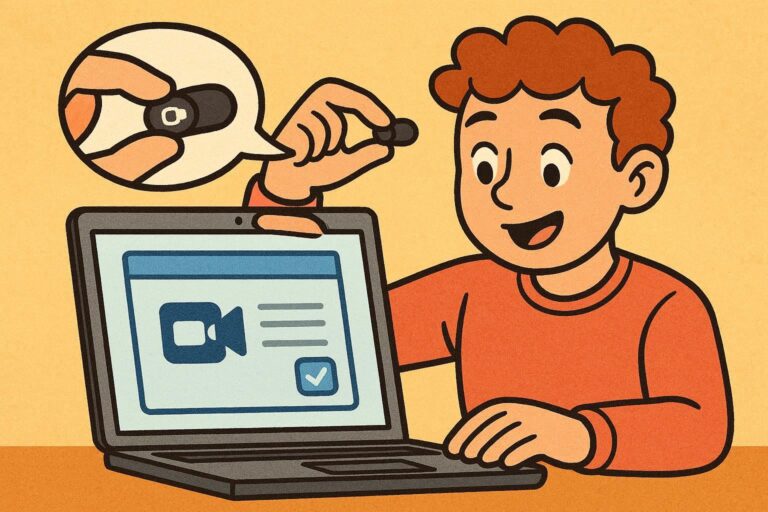
Webcam hacking is a real thing! Hackers can gain access to your webcam and watch you without your knowledge. Creepy, right?
The Fix:
- The Sticker is Your Friend: A simple piece of tape or a webcam cover is the most effective way to prevent unwanted spying.
- Software Permissions: Check your operating system’s settings to see which applications have access to your webcam. Disable access for anything you don’t recognize or trust.
- Update Your Drivers: Keep your webcam drivers updated. Manufacturers often release updates to patch security vulnerabilities.
USB Drives: A Trojan Horse in Your Pocket!
The Risk:
USB drives can carry viruses and malware. Plugging an infected USB drive into your computer can compromise your entire system.
The Fix:
- Be Suspicious: Don’t plug in USB drives from unknown sources. If you find a random USB drive, resist the urge to see what’s on it!
- Scan Before You Open: If you must use a USB drive from an untrusted source, scan it with your antivirus software before opening any files.
- Disable AutoRun: Disable the AutoRun feature on your computer. This prevents USB drives from automatically running programs when plugged in.
Printers: Yes, Even Printers!
The Risk:
Printers can be vulnerable to hacking, allowing attackers to intercept documents or gain access to your network.
The Fix:
- Update Firmware: Keep your printer’s firmware updated. Manufacturers release updates to patch security vulnerabilities.
- Secure Your Network: Make sure your Wi-Fi network is password-protected and secure.
- Change Default Passwords: Change the default password on your printer to something strong and unique.
The Bottom Line
Securing your peripherals is all about being aware and taking simple precautions. A little bit of caution can go a long way in protecting your privacy and security. Stay safe out there!