Hey everyone! Ever feel like your computer is acting possessed? Maybe it’s slower than a snail in molasses, or perhaps it’s throwing pop-ups at you like confetti. Chances are, you might have a case of malware.
What exactly is Malware?
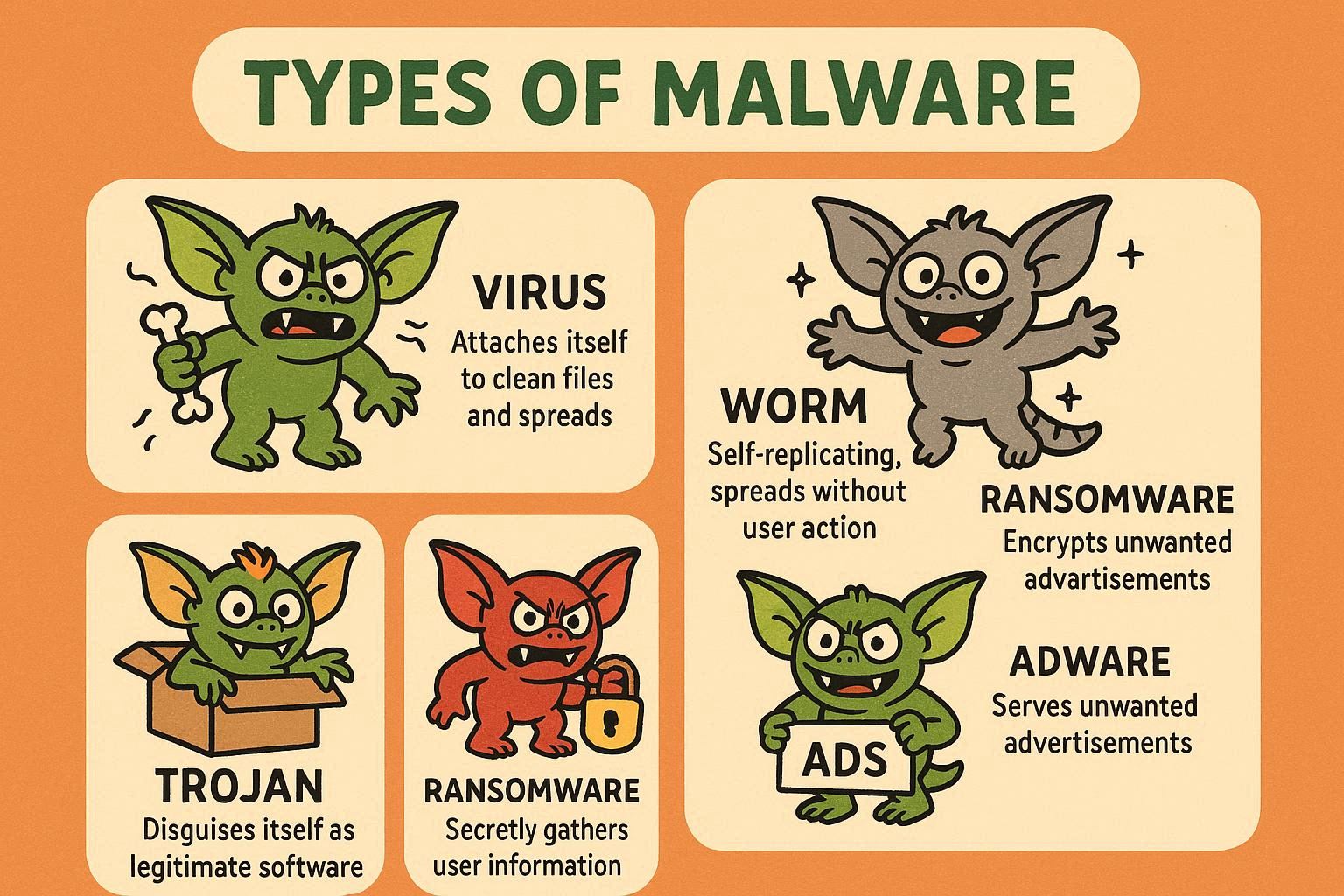
Malware is short for “malicious software.” Think of it as digital gremlins – sneaky little programs designed to cause trouble on your devices. Unlike regular software that helps you, malware aims to harm your computer, steal your information, or just be a general nuisance.
Types of Malware:
Types of Malware:
- Viruses: These guys are like digital hitchhikers. They attach themselves to other files and spread when those files are shared.
- Worms: These are more independent and can replicate themselves to spread rapidly through networks.
- Trojans: Named after the famous Trojan Horse, these disguise themselves as legitimate software to trick you into installing them.
- Spyware: As the name suggests, these snoop on your activities and steal personal data like passwords and credit card numbers.
- Ransomware: This nasty type locks up your files and demands a ransom to get them back.
How to Spot the Digital Scavengers
Recognizing malware is like being a detective. Here are some clues:
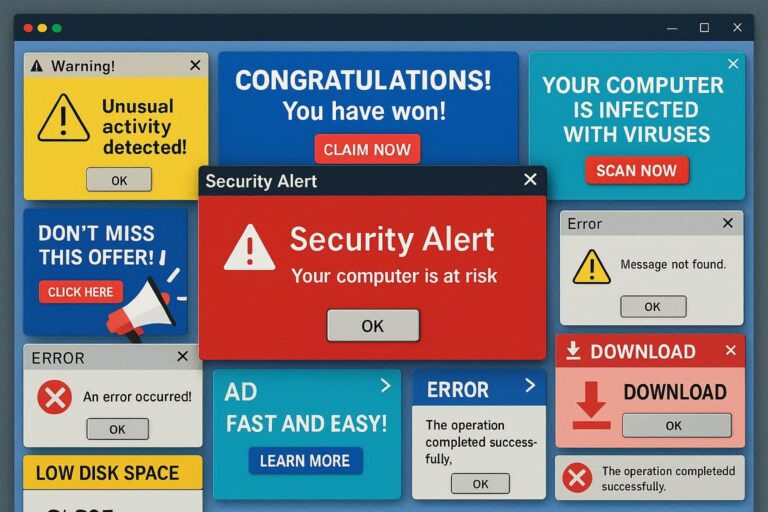
- Sluggish Performance: Is your computer suddenly running like it’s wading through peanut butter?
- Pop-up Overload: Are you bombarded with endless ads and strange warnings?
- Mystery Programs: Do you see programs you don’t remember installing?
- Crashing and Freezing: Does your computer crash or freeze frequently for no apparent reason?
- Weird Error Messages: Are you getting error messages that make no sense?
If you notice any of these signs, it’s time to investigate!
Evicting the Gremlins: Malware Management 101
Okay, so you suspect you have malware. What now? Don’t panic! Here’s your battle plan:
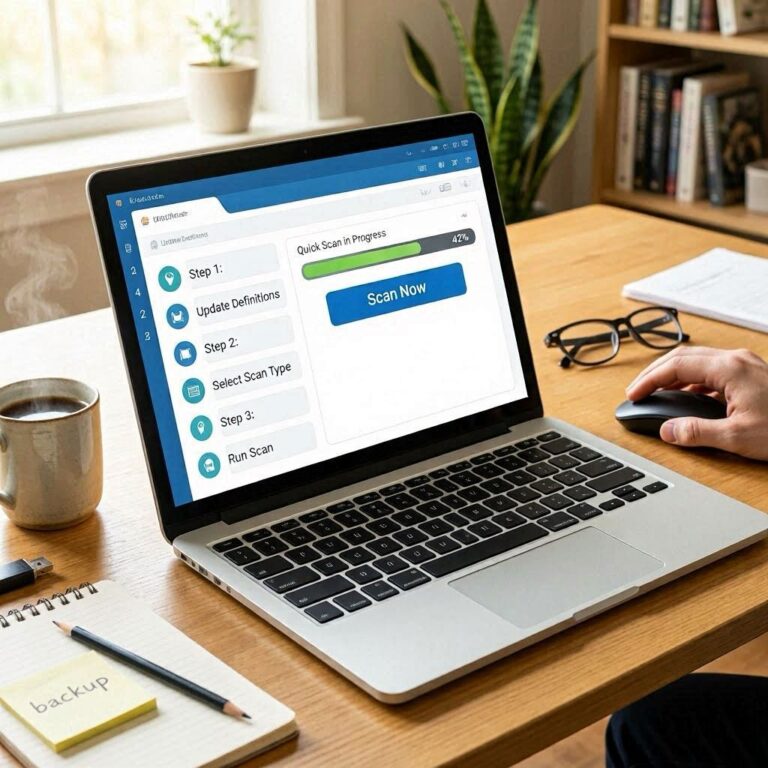
- Install a Good Antivirus Program: Think of this as your digital bodyguard. Make sure it’s from a reputable company and keep it updated.
- Run Regular Scans: Schedule regular scans to catch any malware that might have slipped through the cracks.
- Be Careful What You Click: Avoid clicking on suspicious links or opening attachments from unknown senders.
- Keep Your Software Updated: Software updates often include security patches that fix vulnerabilities malware can exploit.
- Back Up Your Data: Regularly back up your important files so you can recover them if ransomware strikes.
Think, Reflect, Ask Questions!
- Are free antivirus programs really safe? (Sometimes, they might be malware in disguise!)
- How can I tell if a link is safe to click? (Hover over it to see the actual URL, and be wary of shortened links.)
- What should I do if I get a ransomware message? (Don’t pay the ransom! Contact a professional for help.)
Staying safe online is an ongoing process. By understanding what malware is, how to recognize it, and how to manage it, you can protect yourself from these digital gremlins and keep your devices running smoothly!
Quick tip: When you receive a dialog or communication that appears absolutely foreign to you, don’t immediately interact with it. Use another device and check on your preferred search engine for scams regarding what you’re seeing. You might find that it to be common and see how other users are side stepping or just not going for the bait.
Quick tip: When you receive a dialog or communication that appears absolutely foreign to you, don’t immediately interact with it. Use another device and check on your preferred search engine for scams regarding what you’re seeing. You might find that it to be common and see how other users are side stepping or just not going for the bait.