Hey everyone, it’s your friendly neighborhood IT security expert back with another blog post! Today, we’re diving into a topic that’s both fascinating and a little scary: how social engineering is used to spread malware. This stuff isn’t just for techies; it’s something everyone needs to understand to stay safe online.

What is Social Engineering?
First off, what exactly is social engineering? Think of it as hacking the human mind instead of hacking a computer. Social engineers are like con artists of the digital world. They manipulate people into doing things they shouldn’t, like clicking on a malicious link, downloading a dodgy file, or giving away personal information.
These attacks play on our emotions – curiosity, fear, greed, or even just our desire to be helpful. Ever received an email that seems too good to be true? Or a message that creates a sense of urgency, like your account will be closed if you don’t act now? That’s social engineering in action.
Attack Vectors: How They Get You
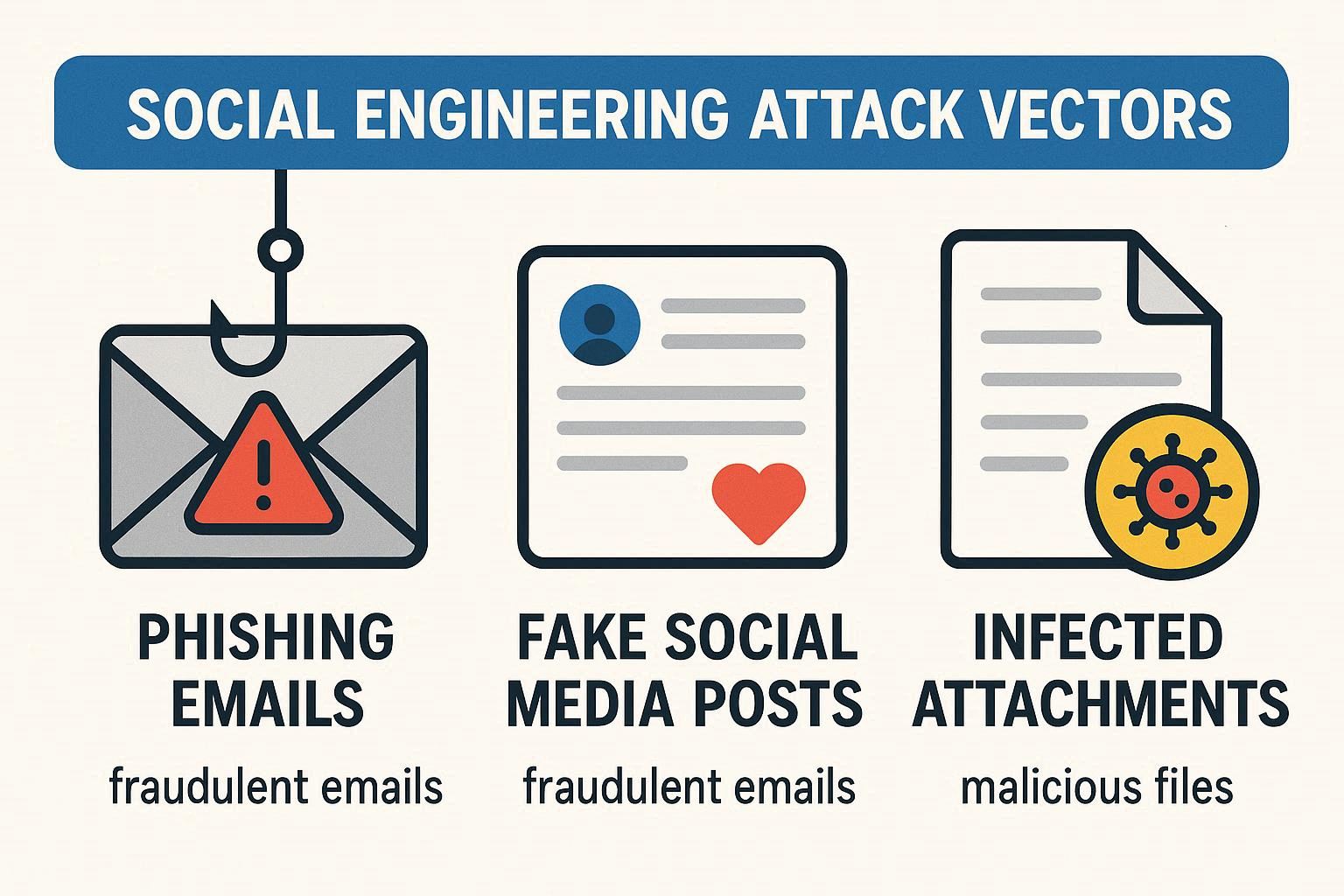
So, how do these attacks play out in the real world? Here are a few common attack vectors:
- Phishing Emails: These are the most common. You get an email that looks like it’s from a legitimate company (like your bank or a popular online store) asking you to “verify” your information. The link takes you to a fake website that steals your login details.
- Fake Social Media Posts: Ever seen a post offering a free gift card or a “shocking” video? Clicking on these can lead to malware downloads or phishing sites.
- Infected Attachments: A seemingly innocent file (like a PDF or Word document) contains malware that infects your computer when you open it.
- Watering Hole Attacks: This is where attackers compromise a website that a specific group of people often visit. When those people visit the site, their computers get infected.
- Baiting: This involves offering something enticing (like a free download) to lure victims into downloading malware.
Indicators of Compromise: Spotting the Red Flags
How can you tell if you’re being targeted? Here are some indicators of compromise to watch out for:
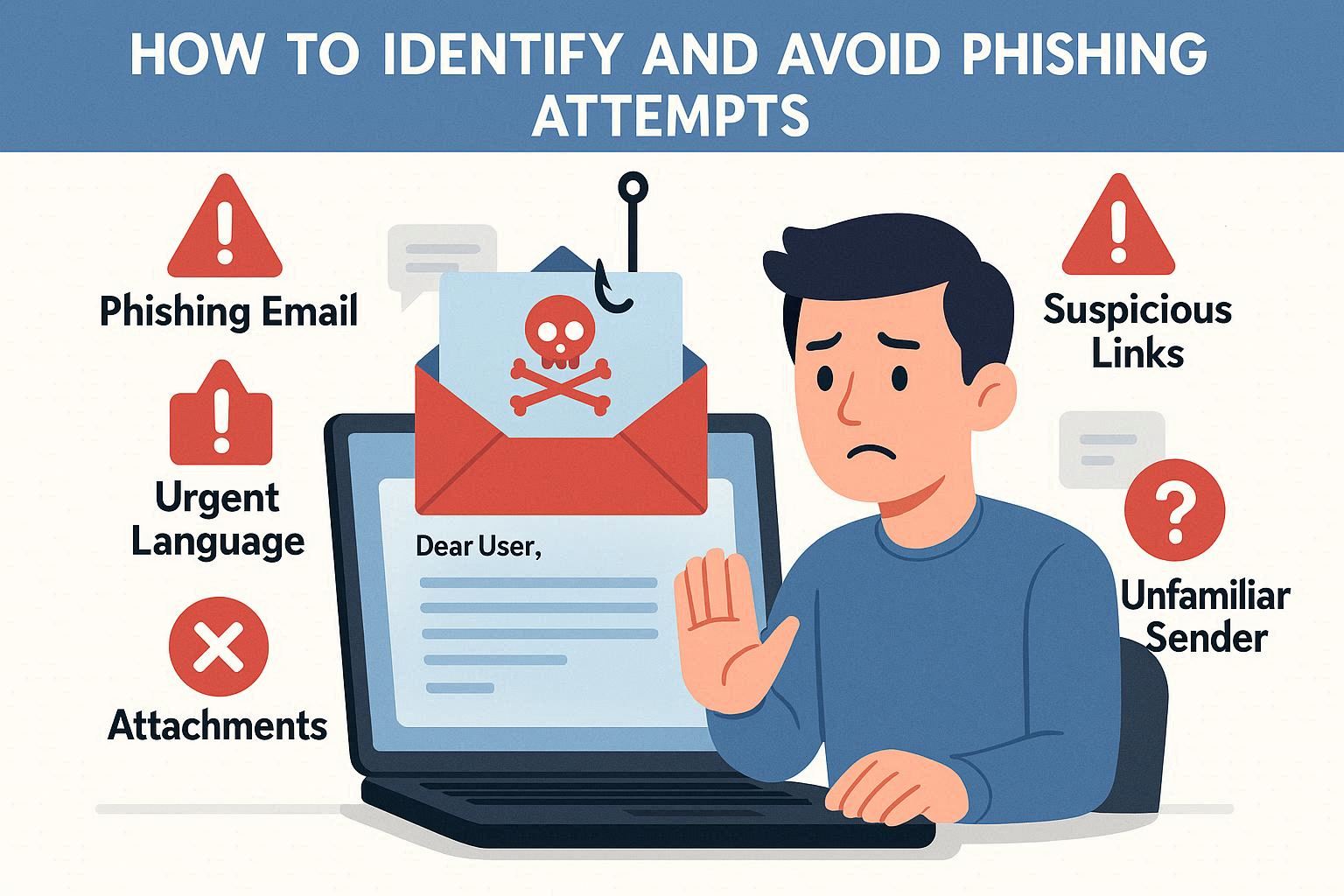
- Unusual Email Sender: Check the sender’s email address. Does it match the company it claims to be from? Look for misspellings or strange domain names.
- Urgent or Threatening Language: Social engineers often try to create a sense of urgency or fear to rush you into action.
- Requests for Personal Information: Legitimate companies rarely ask for sensitive information via email.
- Typos and Grammatical Errors: Professional communications are usually well-written. Lots of errors can be a sign of a scam.
- Suspicious Links: Hover over links before you click on them. Does the URL look legitimate?
Assessing and Mitigating Risks: Staying Safe
Now for the million-dollar question: how do you protect yourself? Here are some tips:
- Think Before You Click: This is the golden rule. Always stop and think before clicking on any link or downloading any file.
- Verify, Verify, Verify: If you get a suspicious email, call the company directly to verify it’s legitimate.
- Keep Your Software Updated: Software updates often include security patches that protect you from the latest threats.
- Use Strong, Unique Passwords: Use a password manager to create and store strong, unique passwords for all your accounts.
- Enable Multi-Factor Authentication (MFA): This adds an extra layer of security to your accounts.
- Install a Good Antivirus Program: A good antivirus program can detect and remove malware before it can cause harm.
- Educate Yourself and Others: Talk to your friends and family about social engineering and how to stay safe online.
Let’s Reflect
Social engineering is a constantly evolving threat, and staying safe requires a combination of technical knowledge and critical thinking. Always question the authenticity of emails, messages, and posts, and never be afraid to double-check before taking action.
What else is there to say?
I hope this blog post has been helpful! Remember, staying safe online is …