Hey everyone! In today’s digital world, our smartphones and tablets are like trusty sidekicks. We use them for everything from snapping pics of our brunch to managing our bank accounts. But are we doing enough to keep these devices—and our personal info—safe from prying eyes? Let’s dive into some easy-peasy ways to boost your mobile security game!
Keep in mind, these suggestions are generally tried and true as of this date. As time progresses, review for newer processes that will help better secure your mobile tech.
Keep in mind, these suggestions are generally tried and true as of this date. As time progresses, review for newer processes that will help better secure your mobile tech.
Understanding the Landscape
First off, let’s get one thing straight: both your phone and tablet are vulnerable to cyber threats. Whether it’s malware, phishing scams, or just plain old snooping, bad actors are always on the lookout. While smartphones often get the most attention in security discussions, tablets are just as juicy a target, especially since they’re frequently used on home networks and public Wi-Fi.
Basic Security Hygiene: The Must-Dos
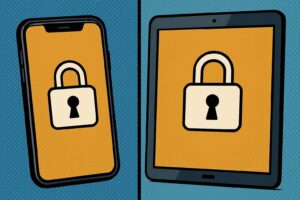
- Lock It Down: This might seem obvious, but a strong password, PIN, or biometric lock is your first line of defense. Make sure your password isn’t something easy to guess like “1234” or your birthday.
- Update, Update, Update: Software updates aren’t just about getting the latest emojis (though those are cool too!). They often include critical security patches that fix vulnerabilities. Set your devices to update automatically, so you don’t have to think about it.
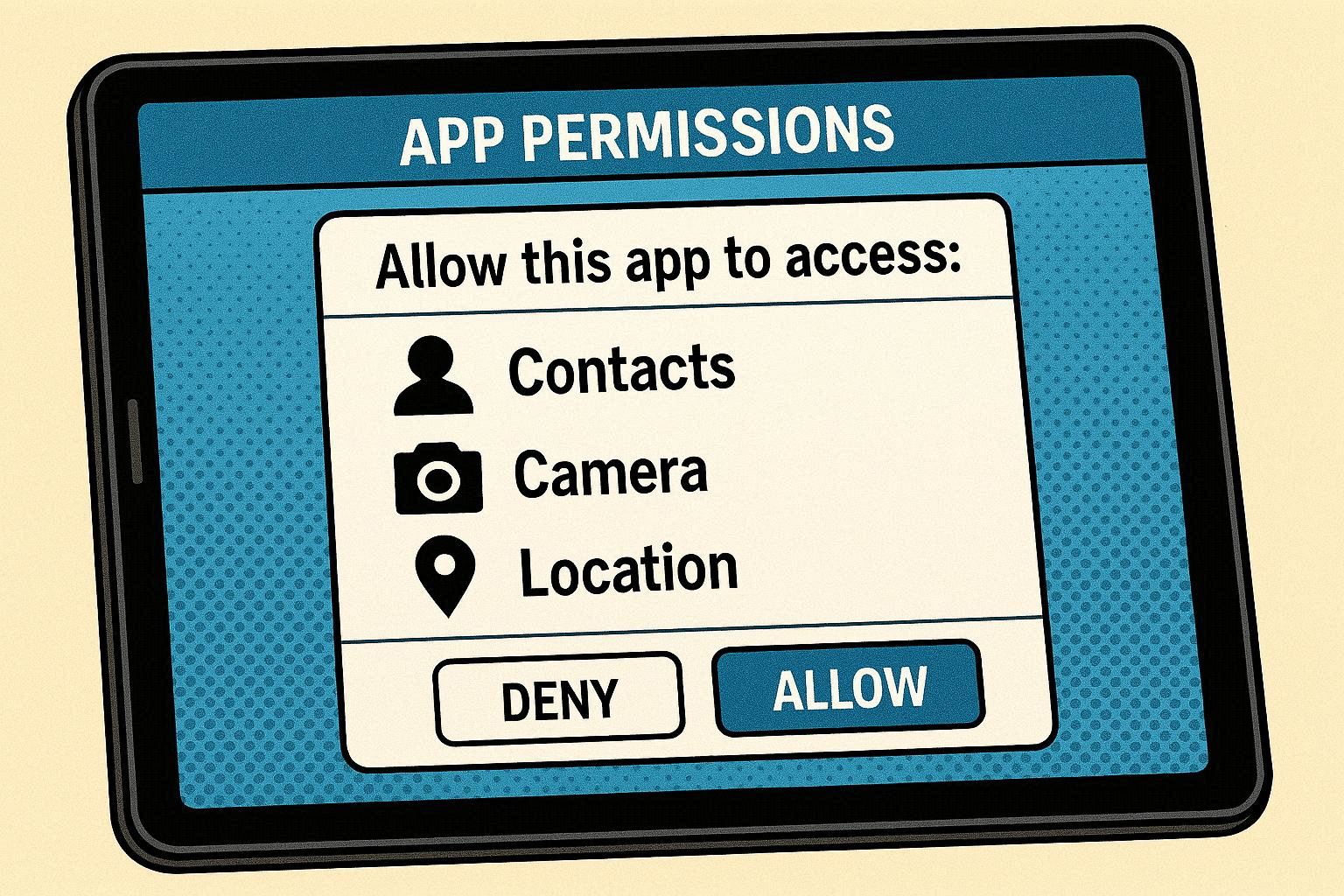
- App-solutely Careful: Only download apps from official app stores like Google Play or the Apple App Store. Read app permissions carefully—does that flashlight app really need access to your contacts?
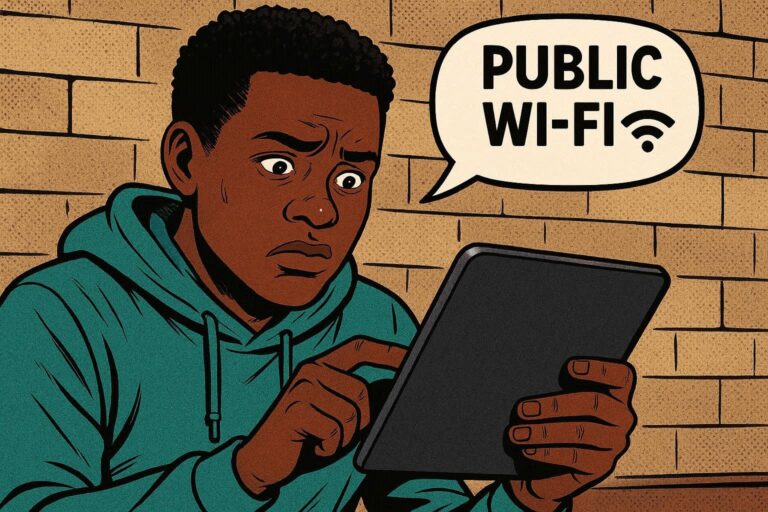
- Wi-Fi Wisdom: Public Wi-Fi is convenient, but it’s also a playground for hackers. Avoid doing anything sensitive (like online banking) on public networks. If you must, use a VPN to encrypt your data.
Tablet-Specific Considerations
Tablets often have a different usage pattern than phones. They’re frequently used at home, shared with family members, or left lying around. Here’s how to tailor your security approach:
- Home Network Security: Since your tablet probably spends a lot of time connected to your home Wi-Fi, make sure your router is secure. Use a strong password, enable WPA3 encryption, and keep your router’s firmware updated.
- Guest Mode: If you share your tablet with others, use the guest mode feature (if available) to keep your personal data separate.
- Physical Security: Tablets are bigger and easier to steal than phones. Be mindful of where you leave your tablet, especially in public places.
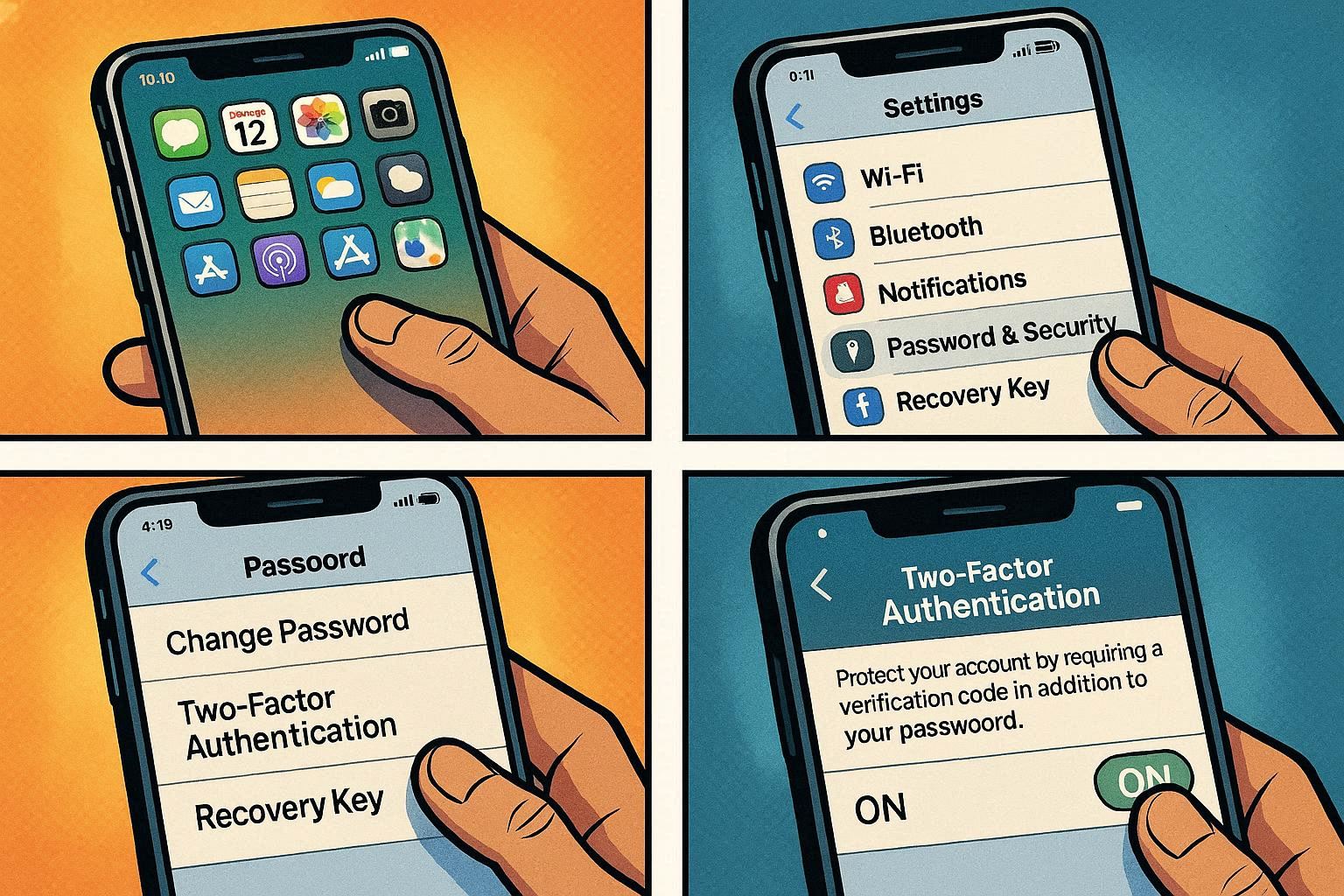
Advanced Moves for the Security Savvy
- Home Network Security: Since your tablet probably spends a lot of time connected to your home Wi-Fi, make sure your router is secure. Use a strong password, enable WPA3 encryption, and keep your router’s firmware updated.
- Guest Mode: If you share your tablet with others, use the guest mode feature (if available) to keep your personal data separate.
- Physical Security: Tablets are bigger and easier to steal than phones. Be mindful of where you leave your tablet, especially in public places.
Staying Vigilant
Security is an ongoing process, not a one-time fix. Stay informed about the latest threats and best practices by following security blogs and news outlets. And remember, a little bit of caution can go a long way in protecting your digital life!
By following these tips, you can enjoy the convenience of your mobile devices without sacrificing your security. Stay safe out there!
By following these tips, you can enjoy the convenience of your mobile devices without sacrificing your security. Stay safe out there!