In today’s world, company-issued mobile phones have become indispensable tools for employees. They enable us to stay connected, access important data, and remain productive on the go. However, these devices also pose significant security risks if not properly managed and secured. This article will provide you with the knowledge and practical tips to ensure your company-issued mobile phone remains a valuable asset rather than a security liability.
Security Best Practices
- Understand and Adhere to Company Policies: Your organization likely has specific policies and guidelines regarding the use of company-issued mobile phones. Familiarize yourself with these policies and ensure you comply with them at all times. This includes guidelines on password complexity, acceptable use, data storage, and reporting security incidents.
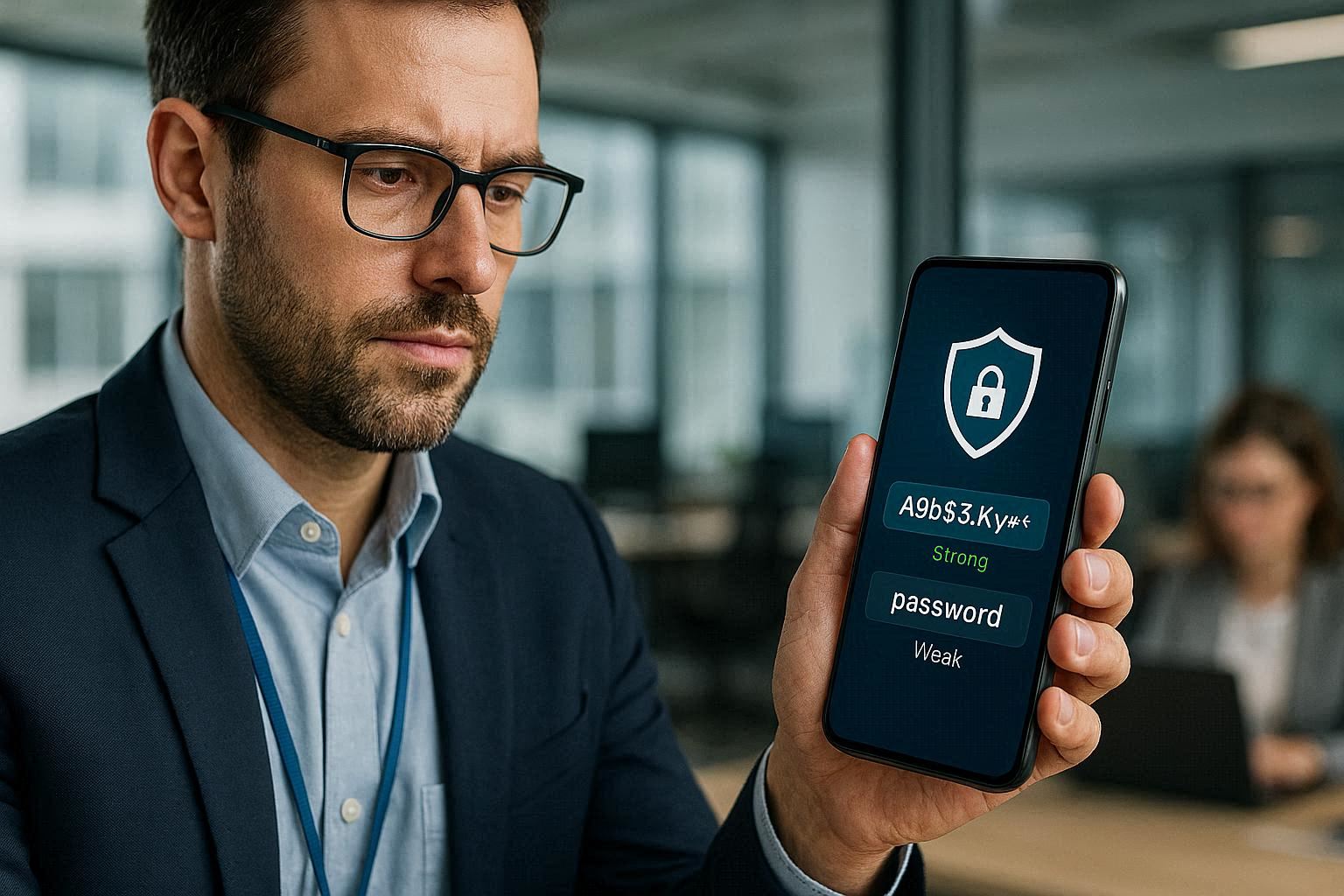
- Strong Passwords and Biometric Authentication: Always use a strong, unique password for your company-issued mobile phone. Enable biometric authentication methods such as fingerprint or facial recognition for added security. Avoid using easily guessable passwords or reusing passwords from other accounts.
- Keep Your Device Updated: Regularly update your mobile phone’s operating system and applications with the latest security patches. These updates often address vulnerabilities that could be exploited by attackers. Enable automatic updates whenever possible to ensure you’re always running the most secure version.
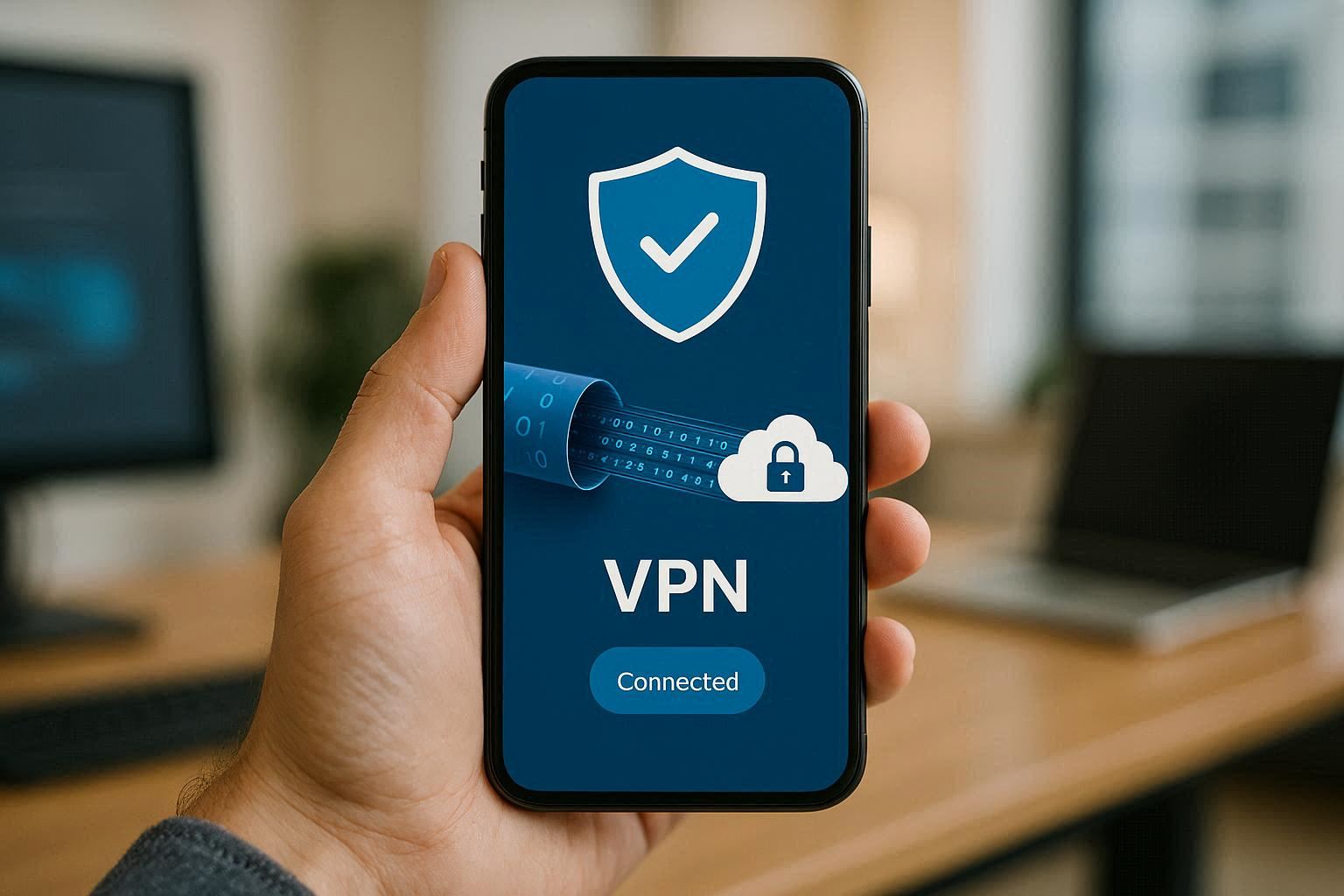
- Secure Your Data: Be mindful of the data you store and access on your company-issued mobile phone. Avoid storing sensitive information locally on the device whenever possible. Utilize secure cloud storage solutions or VPNs to protect data in transit.
- Be Cautious of Public Wi-Fi: Avoid connecting to unsecured public Wi-Fi networks when using your company-issued mobile phone. These networks can be easily intercepted by attackers, compromising your data. If you must use public Wi-Fi, use a VPN to encrypt your traffic.
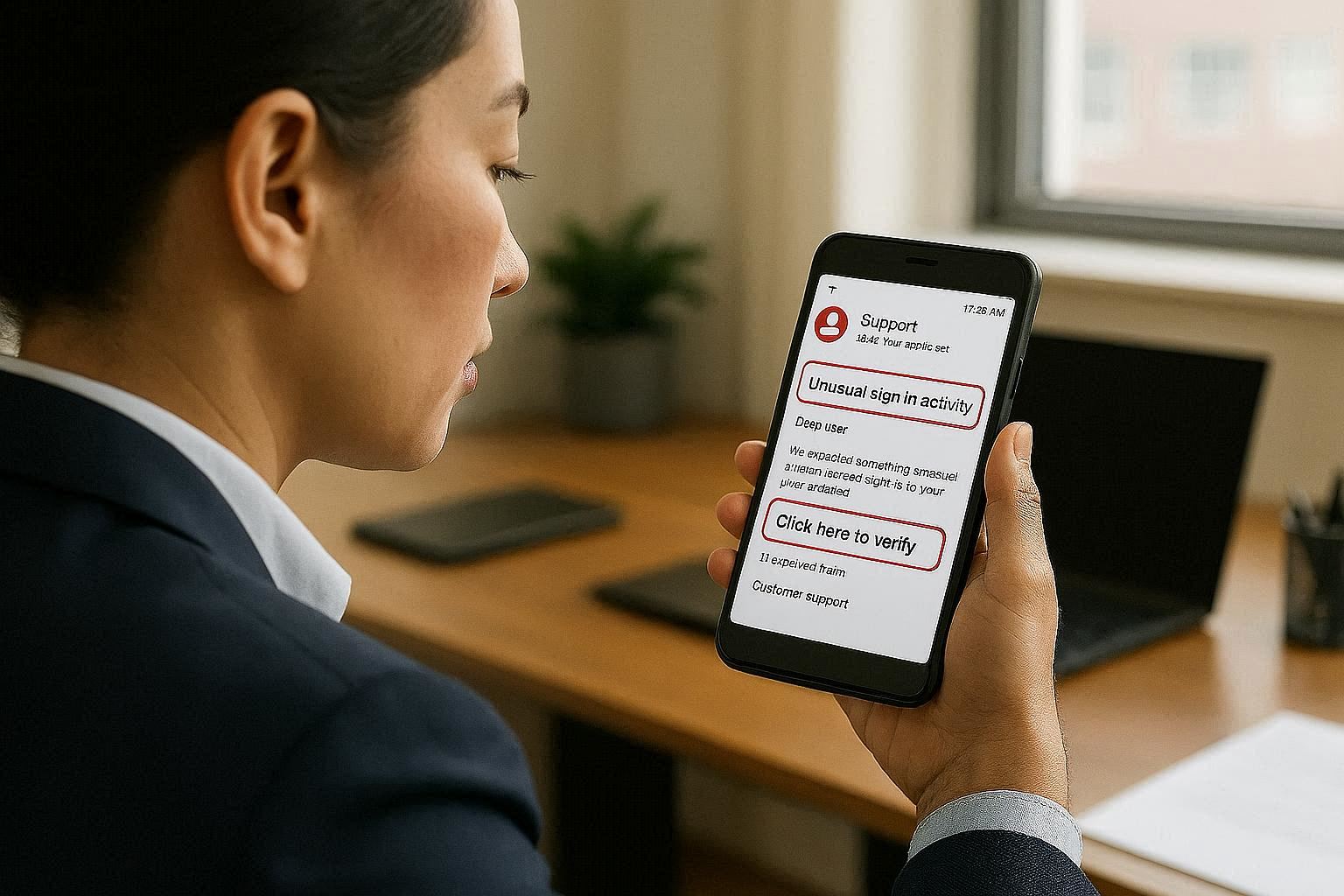
- Beware of Phishing Attacks: Be vigilant against phishing attacks, which often target mobile users. Do not click on suspicious links or open attachments from unknown sources. Verify the sender’s identity before providing any personal or confidential information.
- Report Security Incidents: If you suspect a security breach or notice any unusual activity on your company-issued mobile phone, report it immediately to your IT department or security team. Timely reporting can help mitigate potential damage and prevent further incidents.
- Device Tracking and Remote Wipe: Ensure that your company-issued mobile phone is equipped with device tracking and remote wipe capabilities. These features can help locate a lost or stolen device and remotely erase sensitive data if necessary.
- Mobile Device Management (MDM): Many organizations use Mobile Device Management (MDM) solutions to centrally manage and secure company-issued mobile phones. MDM allows IT administrators to enforce security policies, deploy applications, and remotely monitor devices.
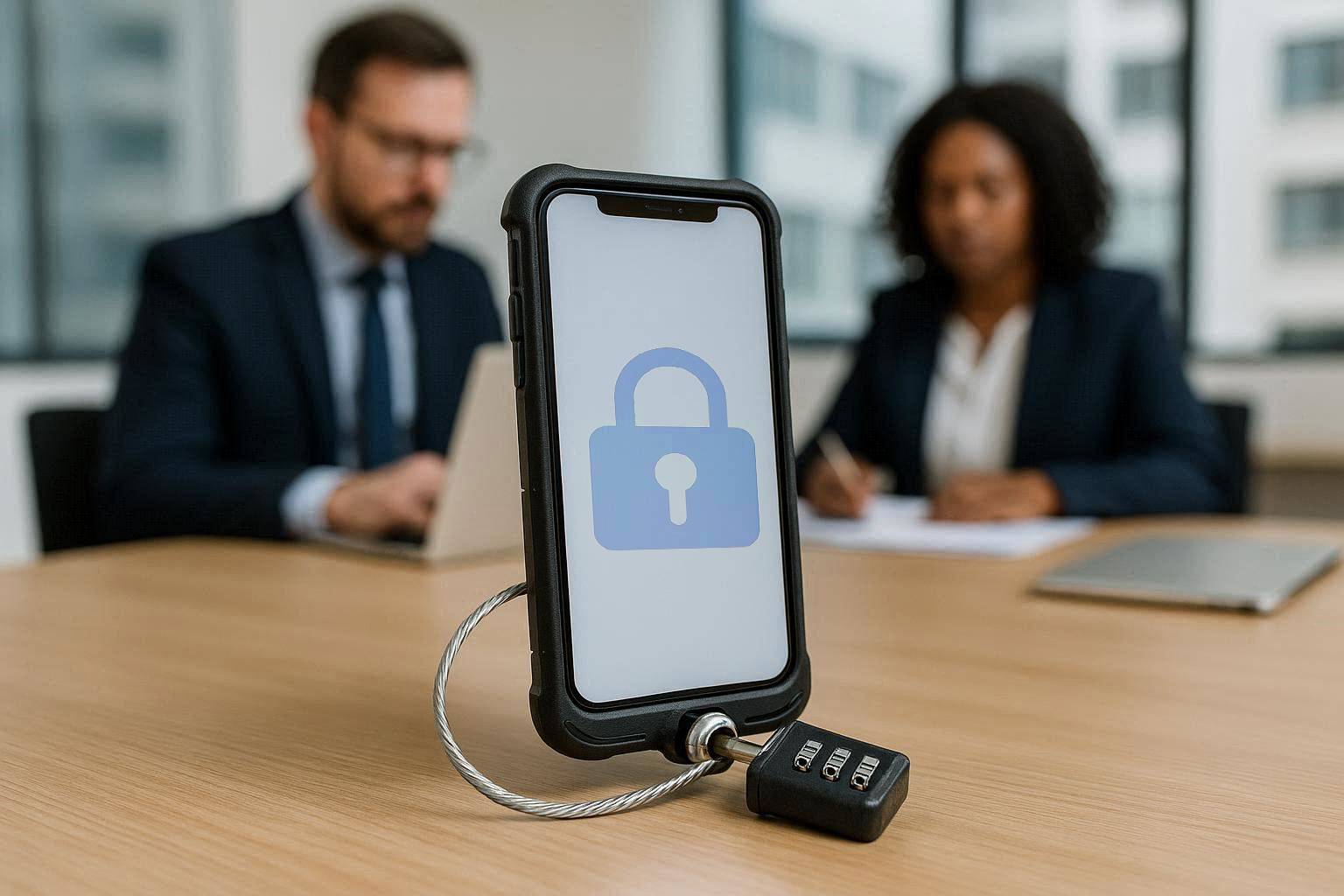
- Physical Security: Be mindful of the physical security of your company-issued mobile phone. Do not leave it unattended in public places or unsecured environments. Use a secure carrying case or lock to prevent theft or unauthorized access.
Securing the Mobile Frontier
As we conclude this series on mobile phone security, it’s clear that securing both personal and company-issued devices is paramount. The convergence of personal and professional lives on mobile devices has blurred the lines between individual and organizational security. Whether you’re using your personal phone for work-related tasks or relying on a company-issued device, the following principles apply:
* Awareness: Stay informed about the latest security threats and vulnerabilities.
* Proactive Measures: Implement security best practices to protect your devices and data.
* Collaboration: Work with your IT department or security team to ensure a coordinated approach to mobile security.
* Responsibility: Take ownership of your mobile security and act responsibly to protect yourself and your organization.
By embracing these principles, we can navigate the mobile frontier with confidence, knowing that we’re doing our part to secure our devices, our data, and our organizations.
* Proactive Measures: Implement security best practices to protect your devices and data.
* Collaboration: Work with your IT department or security team to ensure a coordinated approach to mobile security.
* Responsibility: Take ownership of your mobile security and act responsibly to protect yourself and your organization.
By embracing these principles, we can navigate the mobile frontier with confidence, knowing that we’re doing our part to secure our devices, our data, and our organizations.